My Singing Monsters Karaoke on Steam Deck
Valve marks it Unsupported. You can still try. This page is the honest handheld map, not a Verified sticker.
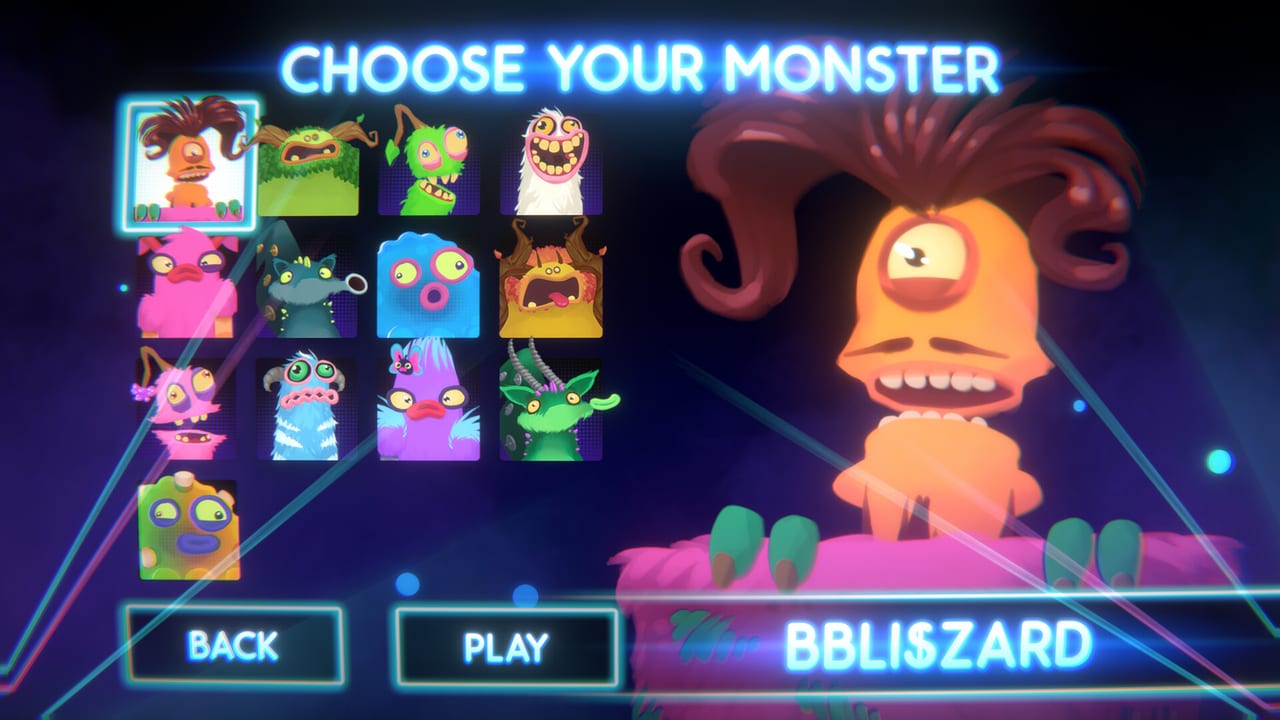
My Singing Monsters Karaoke is a free Windows Steam client. Handheld players still type Steam Deck into search because BBB ran a hardware giveaway around launch and because a pitch slider looks like it should work on a trackpad. This page is the long answer. It is not a Verified badge. It is not a Proton compatibility chart we invented. Third-party store trackers and Deck widgets in August 2026 mark the title Unsupported. Steam’s public app details for 4633140 list Windows, not Mac, not Linux, and they do not print a Deck Verified row in the snapshot we copy.
If you only wanted a yes or no: treat Deck as extra homework. Play at the dock with a keyboard first. Then decide whether the handheld mapping is worth your evening. The controls tutorial is the input essay. This page is the handheld-specific one.
What Steam actually lists
The store genres are Casual, Indie, and Free To Play. Categories on the base app in the API snapshot we used are Single-player, Steam Achievements, and Family Sharing. There is no Full Controller Support line on that snapshot. DLC store copy still talks about Partial Controller Support, which matches launch-week pad and Deck complaints. Third-party key shops that print Full Controller Support plus DualShock plus Steam Input are not the Valve API we trust here. We will not copy their feature table onto this wiki.
Family Sharing still applies if you share a library. Sharing a library is not the same as sharing a couch match. Karaoke is single-player. Pass the Deck if you want turns. Do not look for an online invite.
Minimum spec is a Windows 10 box with 4 GB RAM, DirectX 11, and a GTX 650-class GPU. Deck hardware is a different shape. That does not magically rewrite the store. Read system requirements for the reprinted PC block, then come back here for the handheld caveats.
Unsupported is a label, not a crash log
Verified means Valve tested a comfortable handheld session. Playable means there are notes you can live with. Unsupported means you are on your own. Karaoke landed in that last bucket two days after launch, and this wiki will not pretend a community layout turned it into a first-party handheld SKU.
Launch reviews mentioned mapping fights and on-screen keyboard pain. Those reports sit on known issues. They are player reports, not a BBB patch list. If a later Steam news post changes the Deck widget, we will update this page. We will not mark a rumor as patched.
Gyro can help tiny pitch corrections if you already have a stable analog axis. It can also add noise on a moving train. Turn it off before you blame scoring for a judge shrug. The ribbon does not care that you are handheld. It cares that the axis is late.
A sane first session on Deck
Dock the device. Plug a keyboard or a simple analog stick. Install from Steam, not from a random Windows installer. Claim the free Day One Pack if you want Rare Furcorn, then pick one singer from the launch roster and one short official island bed. Play that song twice before you open Desktop Mode to hunt chart zips.
If the official song already feels sticky, stop. Open the controls reference and bind one analog axis to pitch. Avoid putting pitch on a digital hat that only knows up and down. Save a per-game Steam Input profile so a racing-wheel preset does not steal the next launch.
Then, and only then, try undocked. Use the right trackpad or a stick as the axis, not as a mouse that clicks through menus by accident. If the on-screen keyboard fights DLC claim screens, finish those screens at the dock. Achievement hunting on a jank keyboard is how you spend an hour on Can’t Get Enough for the wrong reason. The achievement guide is easier when the input is honest.
Imports, files, and why handheld is worse at charts
Custom songs are local files. There is no Steam Workshop. Deck file management is slower than a Windows Explorer window. If you import, do it from Desktop Mode with a folder you can actually see. Follow import custom songs and tick the chart import checklist so a silent fail is not your whole evening.
Charts from other pitch games can include notes Karaoke cannot reach. That problem is identical on Deck and desktop. Handheld does not shrink the note range. It only shrinks your patience when a file fails.
What this is not
This is not the mobile collector. There is no touch-island Karaoke client. If you wanted breeding and diamonds, you wanted the phone game; read Karaoke vs mobile. This is not Roblox. This is not a microphone party. This is not a promise that Proton will be Gold next week.
We will not publish fake community layout IDs. We will not tell you to pirate a Windows build onto SteamOS. We will not invent a BBB handheld patch that has not posted on Steam news. Two days after August 19, 2026 there was no verified post-launch patch note to reprint.
Related reading
How to Play for the first-hour loop. Guides Hub for the rest of the classroom. Review if you need the honest length warning before you farm fourteen badges on a handheld. Links Hub for Steam app 4633140 and Helpshift.
If Karaoke later becomes Deck Playable, this page gets a date stamp and a shorter warning. Until then, dock, bind one axis, play one official song, and treat Unsupported as the adult word it is.
Frequently Asked Questions
Quick answers to the most common questions.
Is Karaoke Steam Deck Verified?
No. Trackers and Deck widgets in August 2026 mark it Unsupported. This wiki will not upgrade that label without a Valve or Steam store change.
Can I still play it on Deck?
You can try. Dock with a keyboard first, bind one analog pitch axis, then test undocked. Expect mapping and on-screen keyboard friction.
Does it have full controller support?
The base-app API snapshot we used lists single-player, achievements, and Family Sharing, not full controller support. DLC copy mentions Partial Controller Support.
Will Proton make it Playable?
Proton is not a promise on this wiki. The store spec is Windows. We will not invent a compatibility rating.